

Creator pages: all your products in one place
 Digital Underground · 1 min read
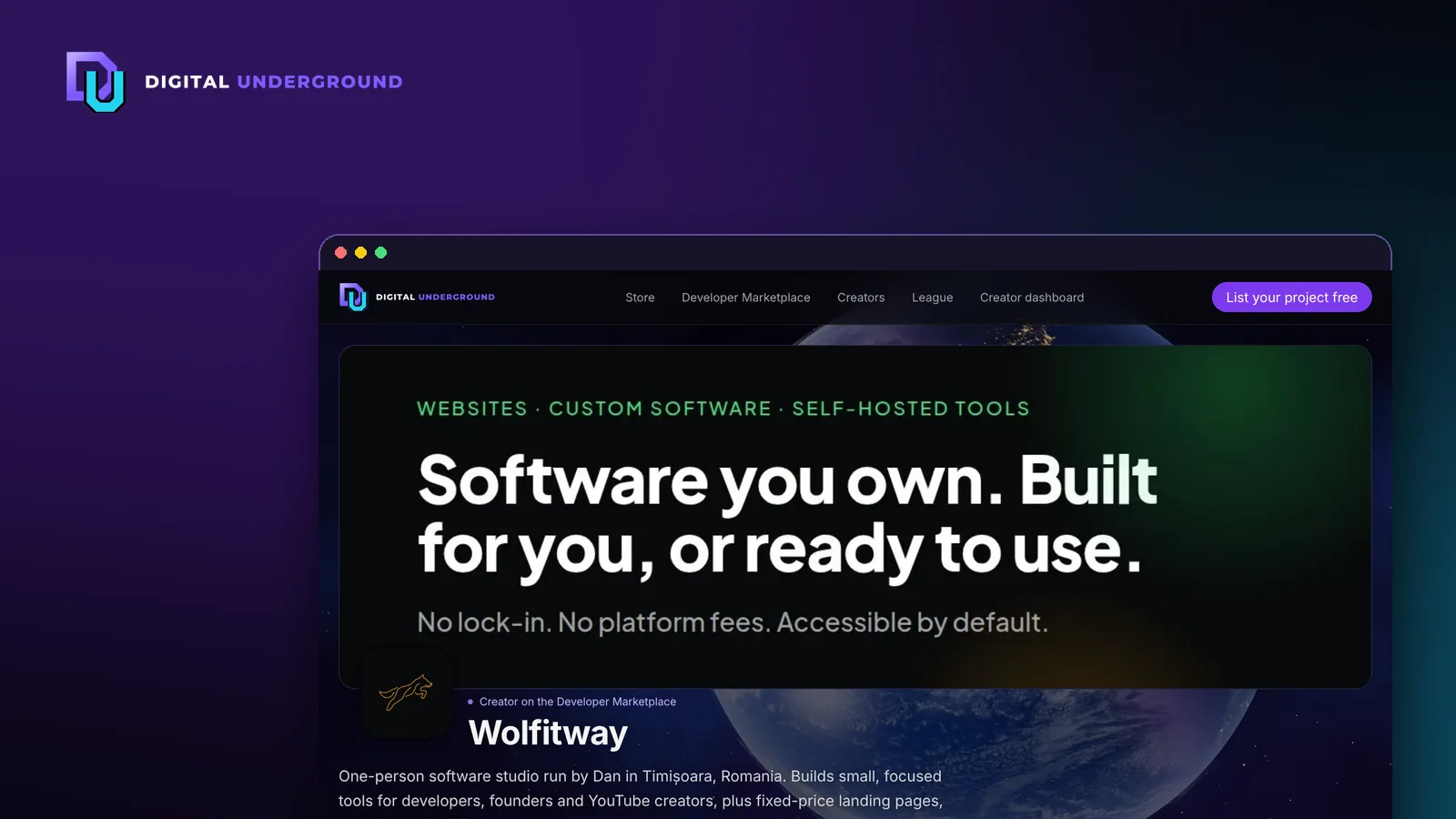
If you have more than one product, visitors who like one of them usually want to see the rest. Creator pages make that one click.
What's on a creator page
- Your logo and a wide banner.
- A short bio (plain text, up to 400 characters).
- Your website and social links (X, GitHub, YouTube, LinkedIn, Instagram, Mastodon, Bluesky, Discord).
- Every live listing you have on the marketplace, in the same card layout as the main page.
Your name on each of your listing cards links to the page, and the Creators directory lists every maker. See Wolfitway for an example.
Set yours up
- Sign in to the creator dashboard.
- Open Your maker page, add your name, bio and links (https only), and upload a logo and banner.
- Submit for review. Your page shows the last approved version until the change is approved.
Tips
- Use the bio to say what you build and for whom, in one or two sentences.
- A square logo and a 3:1 banner crop cleanly on phones.
- Link the page from your own site and socials so people can find all your work.